

The Ultimate Loom Alternative: Why Recorder is the Best Privacy-Focused Screen Recorder for Mac & Windows
Looking for the best Loom alternative? Discover Recorder, the privacy-focused screen recorder for Mac & Windows with data ownership. See why users are switching today!
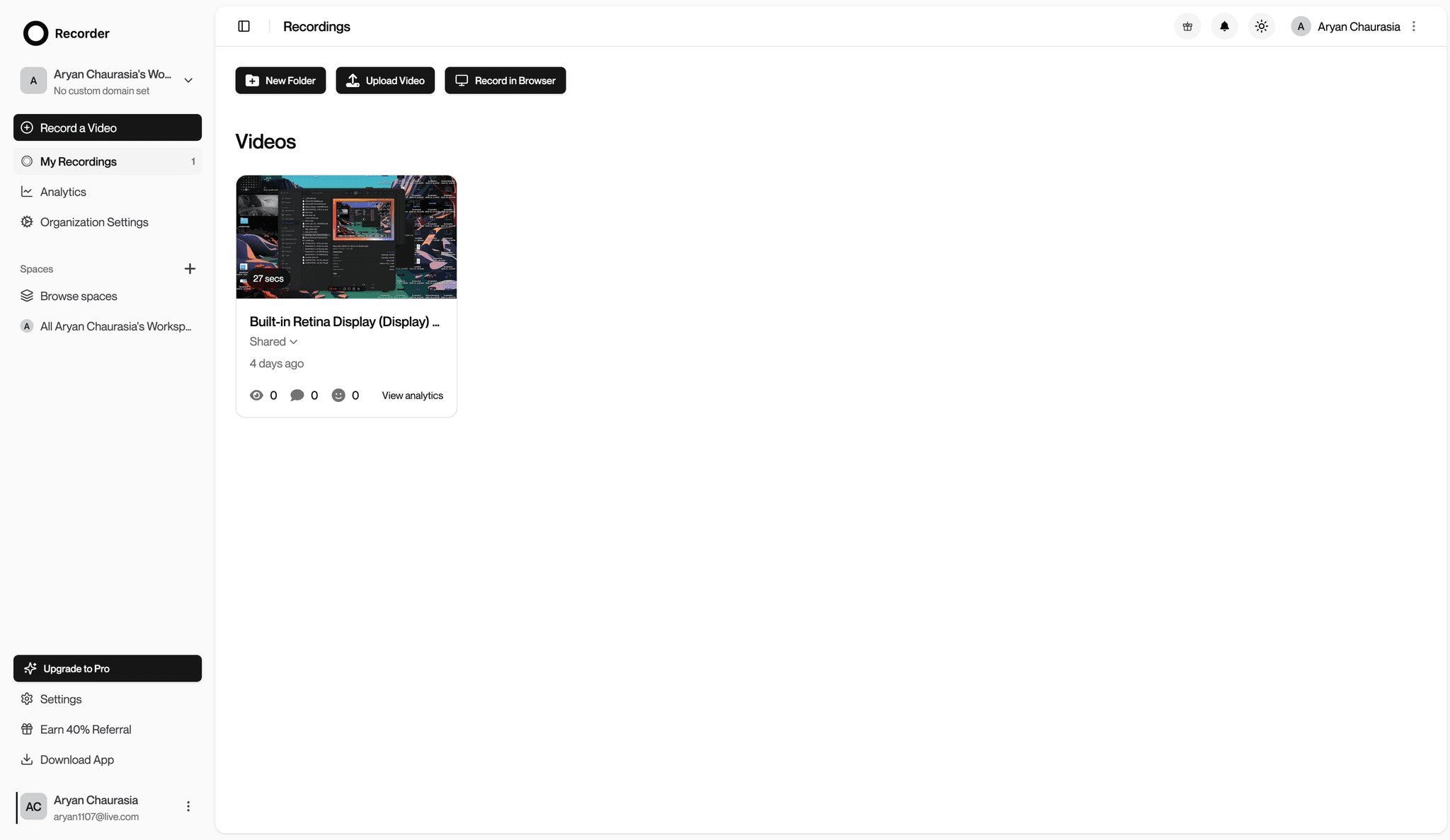
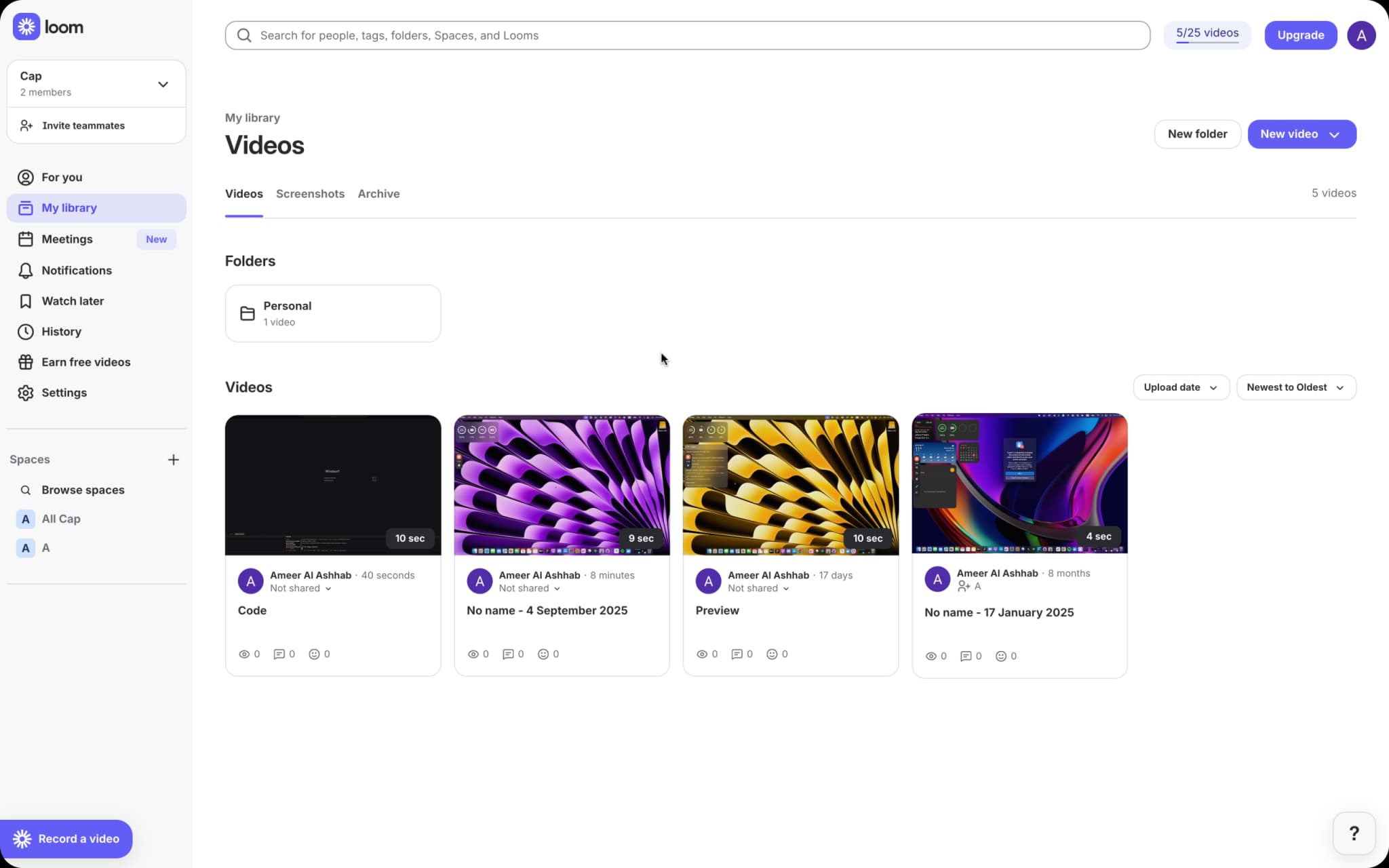
Recorder
vs
Loom
Why Recorder is the Best Loom Alternative
Recorder offers everything you need in a privacy-focused screen recording solution
Privacy & Transparency
Recorder is built with privacy at its core, giving you complete transparency and community-driven development. We believe in building in public and letting users help shape our roadmap. Looking for a privacy-focused screen recorder? Recorder is your best choice!
Enhanced Privacy & Security
Recorder prioritizes your privacy with GDPR compliance and the option to use your own S3 storage, ensuring your data remains under your control. Connect your own custom domain for a branded experience while maintaining 100% ownership of your data.
Half the Price of Loom
Recorder stars from just $8.16/month per user, compared to Loom's $18/month per user. Plus, Recorder offers a generous free plan that includes Studio mode for personal use.
High-Quality Recordings
Record smooth, high-definition videos at 60fps with synchronized audio up to 4K resolution, perfect for professional use.
Collaborative Features
Recorder includes built-in thread commenting on shareable links, making it easy to collaborate with teammates and collect feedback on your recordings without switching platforms.
Cross-Platform Support
Available for both Mac and Windows, Recorder delivers consistent performance across platforms. A perfect screen recording software for all users.
See Recorder in Action
Watch how Recorder makes screen recording simple, powerful, and accessible.
Two Ways to Record with Recorder
Recorder gives you flexible recording options to match your workflow needs, with both modes available in the free plan
Instant Mode
Share your screen right away with a simple link—no waiting, just record and share in seconds. Record up to 5-minute shareable links for free, perfect for quick demos and explanations. Includes built-in thread commenting for easy collaboration.
Studio Mode
Available completely free for personal use! Records at top quality up to 4K. Captures both your screen and webcam separately so you can edit them later, giving you professional-level production control.
Feature Comparison: Recorder vs. Loom
| Feature | Recorder | Loom |
|---|---|---|
| Data Ownership | Yes | No |
| Pricing | from $8.16/month per user | $18/month per user |
| Free Plan | Studio mode + 5 min shareable links | Limited features & recording time |
| 4K Recording | Available in free & paid plans | Only in paid plans |
| Thread Commenting | Built-in on shareable links | Available |
| Custom Domain | Yes | Enterprise plan only |
| Own Storage Integration | Connect your own S3 | Not available |
| Community Input | Direct community feedback | Limited |
| Data Ownership | 100% with own storage | Platform dependent |
Why Users Choose Recorder for Screen Recording
Discover the features that make Recorder a compelling option for screen recording
Budget-Friendly Options
Many screen recording tools have complex pricing structures. Recorder offers similar functionality with clear, affordable pricing options.
Complete Data Ownership
Recorder lets you connect your own S3 storage and custom domain, giving you 100% ownership and control over your content. No more being locked into proprietary platforms.
Community-Driven Development
As a privacy-focused screen recorder, Recorder is built with community input. User feedback directly shapes our roadmap and features.
Collaborative Feedback
Recorder's built-in thread commenting on shareable links makes it easy to collect feedback and collaborate without switching between different tools.
How to Get Started with Recorder (Easy Guide)
- 1
Download Recorder for your operating system (Mac or Windows)
- 2
Launch the application
- 3
Start recording using either Instant Mode or Studio Mode
- 4
Share your recordings easily with Recorder's built-in sharing features
- 5
Optional: Connect your own S3 storage and custom domain for complete data ownership
Frequently Asked Questions
Ready to Try Recorder for Your Screen Recording Needs?
Ready to get started? Download now and see the difference.